🎉
Installation
Welcome! If you've found yourself here, you should have an installer downloaded from the private early access forum.
Minimum System Requirements
Windows
- OS: Windows 11
- CPU: 4+ cores
- GPU: 4+ GB VRAM, Vulkan 1.3
- RAM: 8+ GB
Mac
- OS: MacOS 26 Tahoe
- CPU/GPU: Apple M2
- RAM: 8+ GB
Installing Spatial Drive
To install the application, navigate to the private early access forum, and find the latest release post. This will include links to download the installers.
Windows
- Open the
.msi installer file downloaded from the forum. 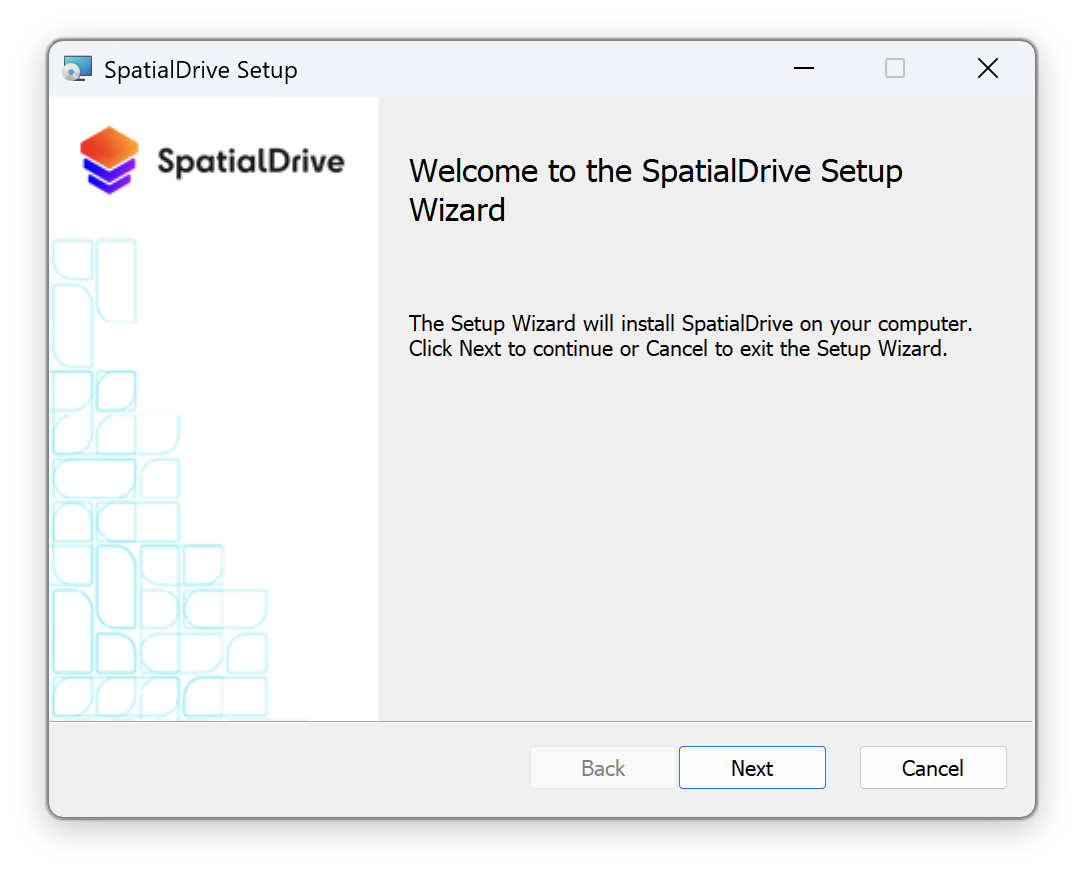
- Run the installer by double clicking the file, and stepping through the wizard.
- Once installed, you can open the application from the start menu by searching for "spatial drive".
MacOS
- Open the
.dmg package file downloaded from the forum. - Drag the application into the Applications folder
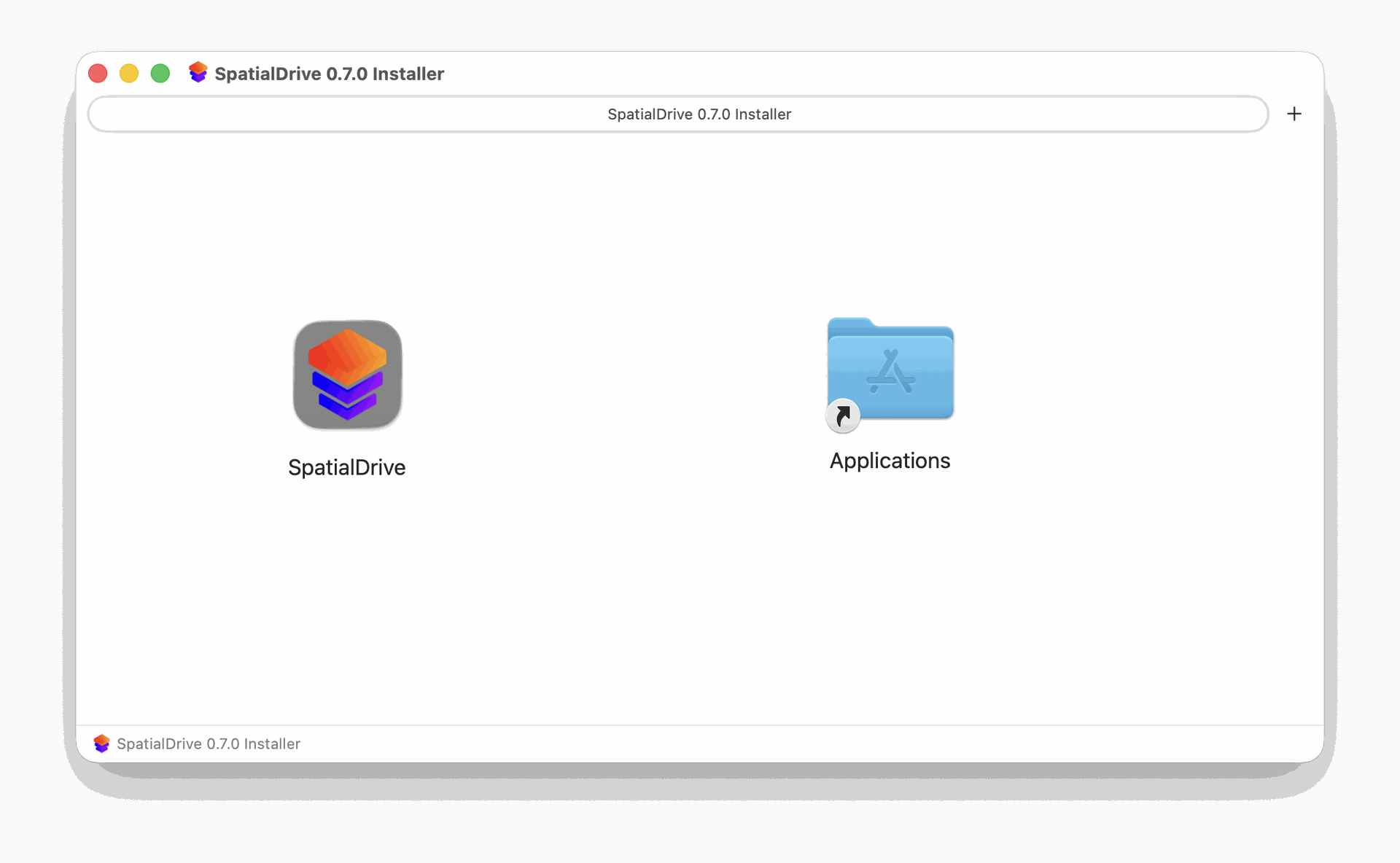
- Once installed, you can open the application from the Applications folder