🔐
Creating your Account
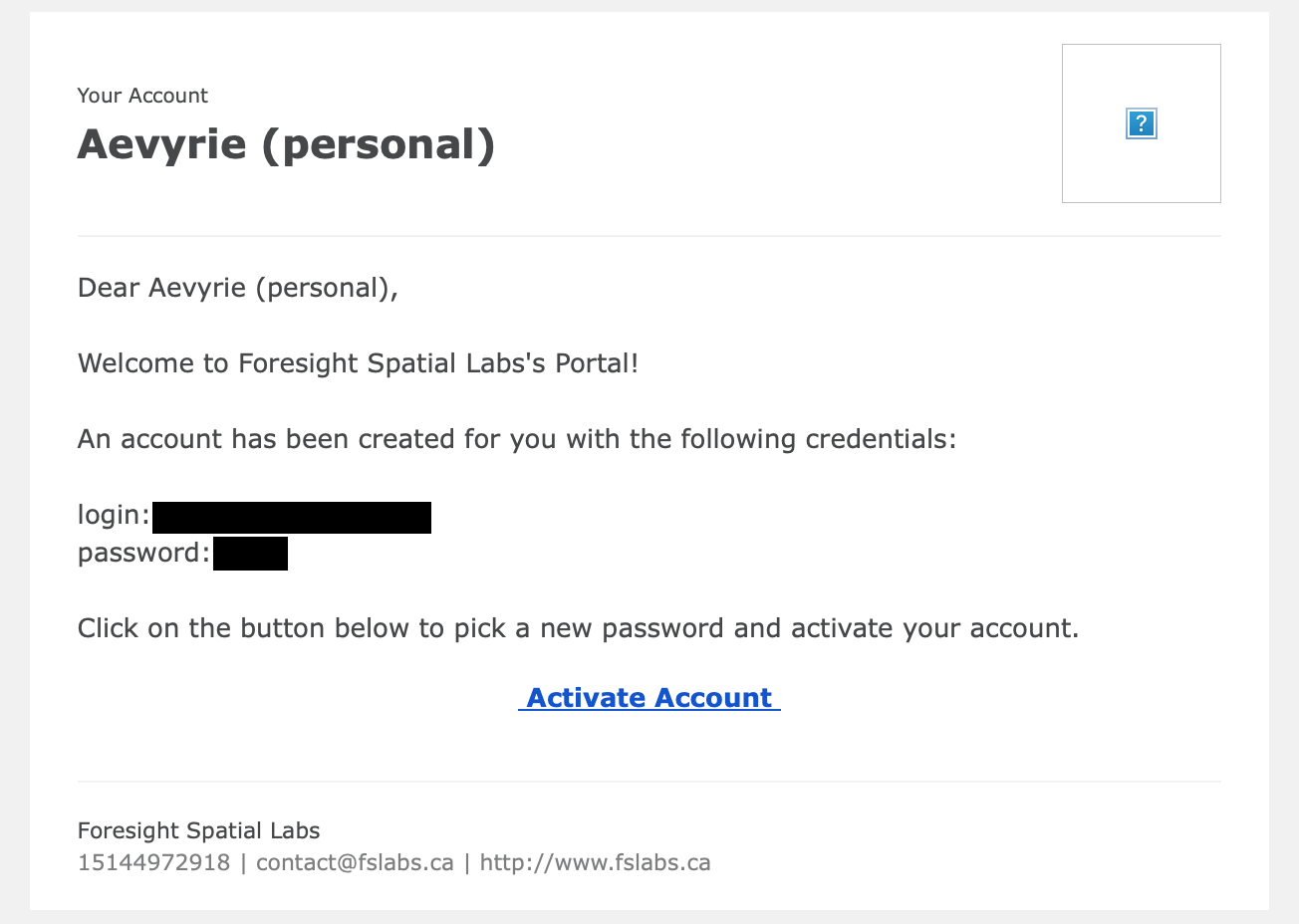
- You will receive an invite in your email with a temporary password and a link to activate your account
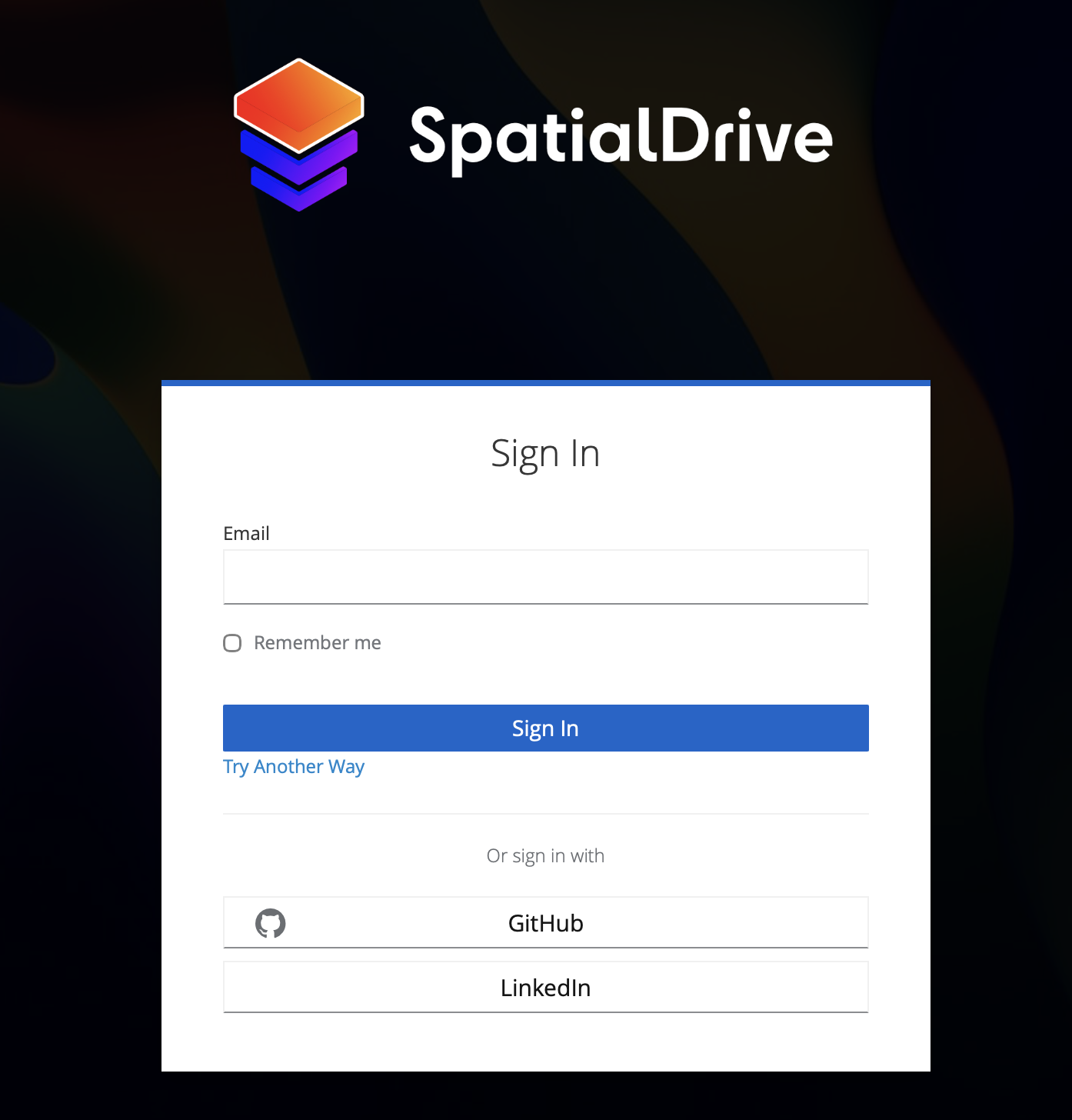
- You will be directed to a login page. Use the email and temporary password provided in the invite:
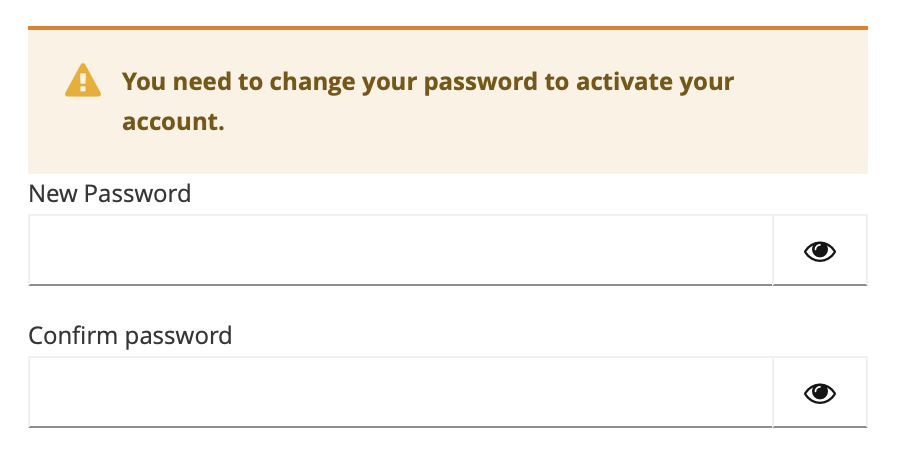
- You will be prompted to set your password. Once set, you will be signed in to the foresight website, and will be able to access the private early access forum in the top navigation.
- When opening the application for the first time, you will be presented with a login screen. Press the "Login" button.

- This will open a login page in your browser. If you aren't already signed in from step 4, you will be asked to sign in the same way.